 how-to
Why Is My Garage Door Opening by Itself?
Table of Contents
- Why Your Garage Door Opens by Itself: The Main Culprits
- Faulty or Stuck Remote Control Buttons
- How to Reset Garage Door Remote
- Garage Door Safety Sensors Alignment Issues
- Radio Frequency Interference and Phantom Opening
- How to Add WiFi to Existing Garage Door Opener
- When to Call a Professional for Garage Door Repairs
- Frequently Asked Questions
Last Updated: September 18, 2026
Why Your Garage Door Opens by Itself: The Main Culprits
A garage door opening by itself is more common than you'd think. The problem usually stems from one of several specific issues: faulty remote buttons, misaligned safety sensors, radio frequency interference, wiring problems, or electrical failures. At American Eagle Garage Doors LLC, we diagnose these cases, and the solution often depends on pinpointing exactly what's triggering the unwanted opening.
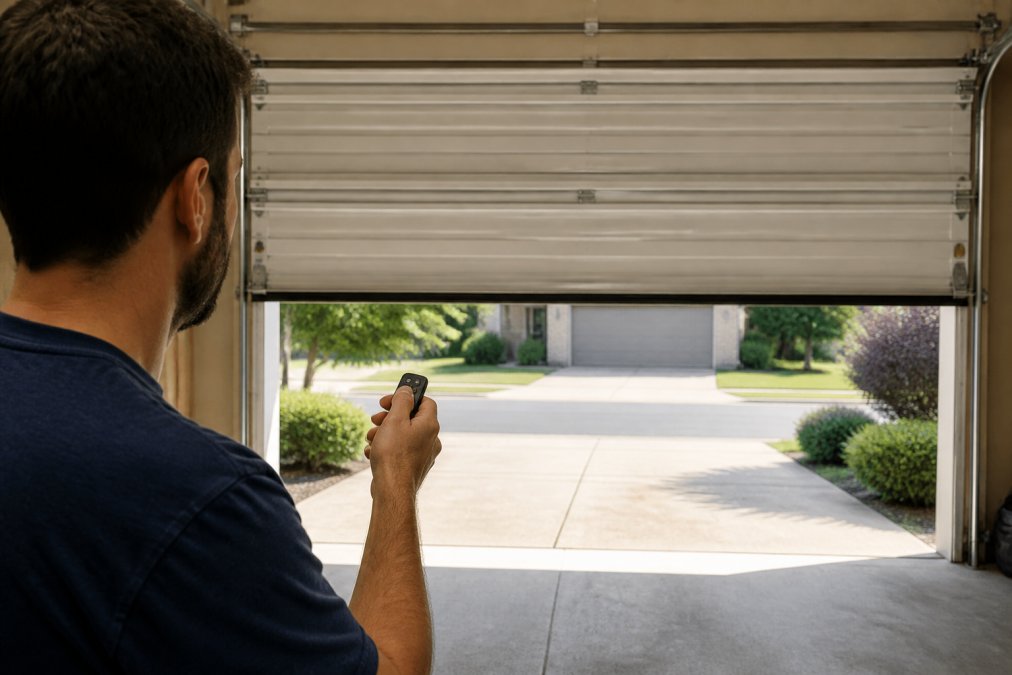
Faulty or Stuck Remote Control Buttons
A stuck or faulty remote button is the single most common reason a garage door opens by itself.
Signs your remote button is the problem:
- The door opens at random times during the day
- The door opens when you're not even near the remote
- Pressing the button sometimes requires multiple clicks
- The button feels sticky or stiff when you press it
Quick checks you can do:
- Try a different remote; if it works fine, your first remote is the culprit.
- Clean the remote with a dry cloth, focusing on button edges.
- Remove batteries for 30 seconds, reinsert fresh ones, and test.
- Check if the door opens when the remote is in a drawer or bag; if so, the button is stuck.
How to Reset Garage Door Remote
Step-by-step reset process:
-
Locate the learn button on your opener. This button is usually on the back or side of the garage door opener unit mounted on your ceiling. It's often red, yellow, or orange.
-
Press and hold the learn button for 3-6 seconds. You'll see the indicator light on the opener flash or change color. This clears all existing remote codes from the opener's memory.
-
Release the button. The opener is now in "learn mode" and ready to accept a new remote code.
-
Press the button on your remote that you want to reprogram. Hold it for 2-3 seconds. The opener's light will flash again, indicating the code has been accepted.
-
Test the remote. Press the button to open and close the door. The door should respond normally without any random openings.
-
Repeat for additional remotes. If you have multiple remotes, repeat steps 3-4 for each one.
Time required: 5-10 minutes. Resetting clears corrupted codes and removes old remote codes that may cause interference.
Garage Door Safety Sensors Alignment Issues
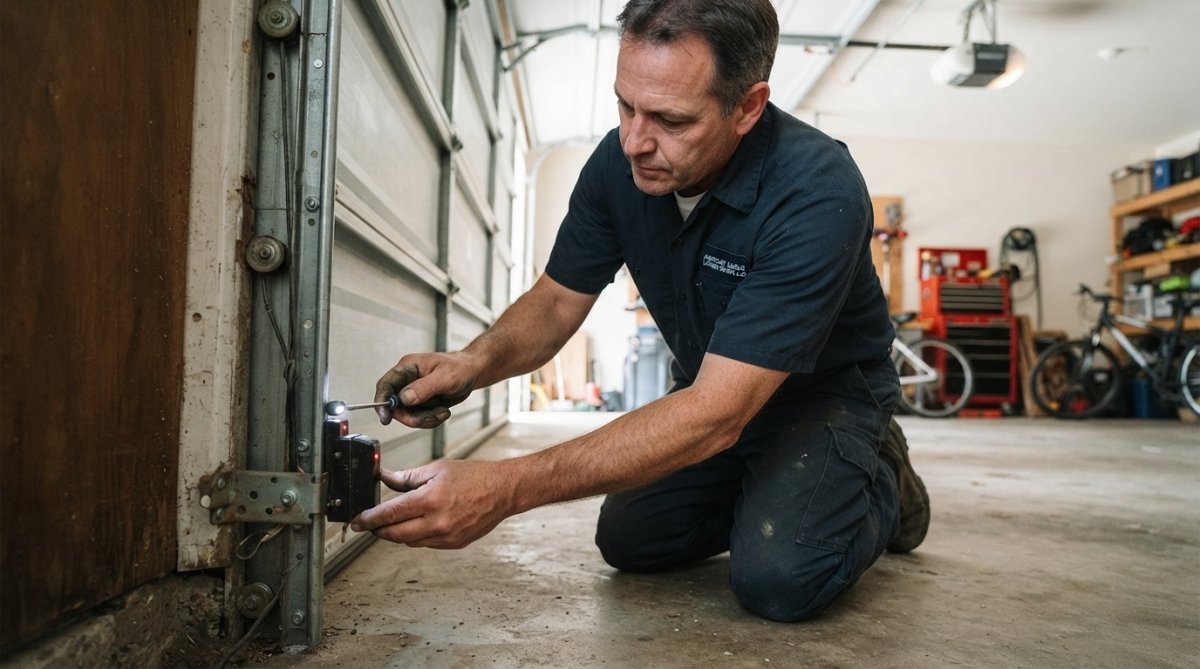
Misaligned safety sensors (photoelectric eyes) are the second most common cause of unexpected garage door behavior. These sensors sit on both sides of the door at knee height and communicate across the opening.
How misalignment happens:
- Door frame shifts from house settling
- Sensor gets bumped by a car or ladder
- Vibration loosens the sensor mount
- Weather changes cause metal expansion and contraction
Signs of sensor misalignment:
- The door opens when nothing is in the way
- The door reverses mid-close for no reason
- You see blinking lights on the sensor units
- The door behaves inconsistently (sometimes works, sometimes doesn't)
How to check sensor alignment:
- Verify both sensors are at the same height.
- Check indicator lights; if one is dimmer, the beam is broken.
- Clean both lenses with a soft, dry cloth.
- Remove any objects blocking the beam path.
- If lights still don't match, loosen the mounting bracket and adjust until both are equally bright.
Radio Frequency Interference and Phantom Opening
Radio frequency interference occurs when signals from nearby devices conflict with your garage door opener's signal, causing the door to open on its own. This is a genuine but often misdiagnosed cause of phantom openings.
How RF interference works:
Common sources of RF interference:
- Amateur radio equipment (70 cm band, 420-450 MHz)
- Cell phone towers (malfunctioning or poorly shielded)
- Police, fire, and emergency service radios (VHF/UHF bands)
- Industrial equipment (welders, induction heaters, RF sealers)
- WiFi routers on 2.4 GHz (especially if near the garage)
- Older cordless phones and baby monitors (2.4 GHz or 5.8 GHz)
Signs of RF interference:
- The door opens at specific times of day or during certain weather conditions.
- The door opens when no one is using a remote.
- The problem started suddenly after new equipment was installed nearby.
- The door opens in clusters rather than isolated incidents.
- The problem is worse in certain garage locations.
How to test for RF interference:
- Store all remotes away from the garage for several days. If the door doesn't open, interference is likely the cause.
- Log the times the door opens. Look for patterns (same time daily, weekdays only, business hours only).
- Check for nearby transmitters. Ask neighbors about amateur radio equipment, new WiFi systems, or antennas.
- Move your WiFi router away from the garage to a central location.
- Contact your local FCC office if you suspect commercial interference. Provide dates, times, and details for investigation.
Solutions for RF interference:
For homeowner-level fixes:
- Upgrade to a newer opener with frequency hopping (post-2010 models use rolling code technology, making them far more resistant).
- Install an RF shield (mu-metal or copper mesh) around the receiver to block external RF.
- Relocate your WiFi router away from the garage to reduce 2.4 GHz interference.
- Try a different frequency if your opener has a frequency selector switch.
- Install a ferrite core or RF filter on the opener's power cord (low-cost option).
For professional-level solutions:
- Have a technician perform an RF survey to measure interference levels and identify the source.
- Upgrade to a hardwired control system (wall button and keypad) to eliminate RF vulnerability entirely.
Securing your home while waiting for repairs:
If your garage door is opening by itself due to RF interference, take these precautions:
- Disable the automatic opener by unplugging the unit or flipping the breaker; use only the manual release handle.
- Lock the door from inside the garage using the manual lock on the inside track.
- Park a car in the garage to block the opening.
- Install a temporary door alarm on the garage entry door to alert you if someone enters.
- Monitor the door regularly to confirm it hasn't opened on its own.
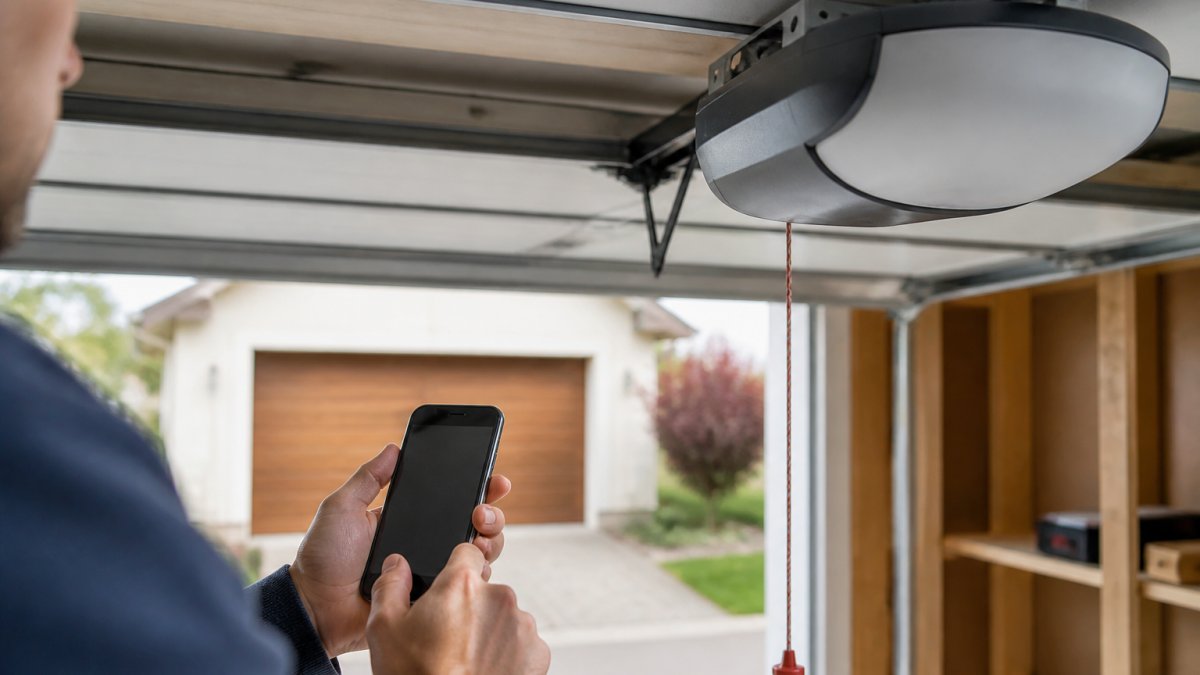
How to Add WiFi to Existing Garage Door Opener
Adding WiFi connectivity gives you visibility into when and how your door is opening, essential for diagnosing phantom openings and identifying whether smart home integrations are the root cause.
Why smart home integration matters for self-opening doors:
Common smart home conflicts that trigger unwanted openings:
- Voice command misinterpretation (background noise or TV dialogue triggering "Alexa, open the garage door")
- IFTTT automation loops (inaccurate geofencing causing repeated openings)
- Conflicting automations across platforms (duplicate commands or race conditions)
- Webhook or API misconfiguration (malformed calls sending continuous open commands)
- App push notification delays (cached commands resending after app crashes)
- Disable all smart home integrations for 24-48 hours; use only the physical remote and wall button.
- Check your opener's activity log for the timestamp and source of each phantom opening.
- Identify the pattern. If the door opens at specific times or triggers, the culprit is likely an automation.
- Re-enable integrations one at a time, waiting 24 hours between each to identify which causes the problem.
Two main options for adding WiFi:
Smart home integration best practices to prevent phantom openings:
- Use PIN protection on voice commands to prevent accidental triggers.
- Set geofencing with a larger radius (500-1000 feet) to avoid repeated triggers from location signal fluctuations.
- Disable unused integrations entirely rather than leaving them inactive.
- Test automations multiple times in controlled conditions before relying on them.
- Monitor activity logs weekly to spot patterns or unexpected commands.
- Keep firmware updated to patch security vulnerabilities and fix bugs.
When to Call a Professional for Garage Door Repairs
Call a professional if:
- The door opens on its own after checking the remote and sensors
- You see sparks or smell burning near the opener
- The door makes grinding or squealing sounds, is slow to operate, or won't close
- You notice water inside the opener unit or damage to the logic board
- You're uncomfortable working on electrical components
American Eagle Garage Doors LLC offers free estimates on all repairs. We handle residential and commercial openers, from basic mechanical issues to complex electrical problems. Our team can upgrade your system with smart home features if needed.
Frequently Asked Questions
How do I know if my garage door is opening by itself or if someone is using my remote?
If your garage door opens randomly when no one is home or at odd hours, check for a stuck remote button first, press each button firmly several times. If the problem continues, you likely have a radio frequency interference issue or a faulty logic board. Newer openers with WiFi can be hacked if your password is weak; change it immediately if you suspect unauthorized access. If you can't identify the cause, a professional can run diagnostics to confirm whether it's an electrical failure or a security breach.
Can a power surge cause my garage door to open by itself?
Yes. A power surge or electrical spike can trigger the logic board to send an erroneous signal to open the door. This is especially common during thunderstorms or if your opener lacks surge protection. If your garage door opens randomly after a power outage or electrical event, the circuit board may have been damaged. Surge protectors or dedicated electrical outlets can prevent this. If surges have already occurred, you may need a logic board replacement or a full opener upgrade.
What should I do if my garage door won't stop opening by itself?
First, unplug the opener immediately to stop the cycle. Then check for a stuck wall-mounted button or stuck remote button, clean or replace it if needed. Inspect the safety sensors (photoelectric eyes) for misalignment or obstruction; they may be triggering false signals. If the door still opens after these checks, the problem is likely electrical: a short circuit in the wiring harness, a faulty limit switch, or logic board failure. Do not attempt electrical repairs yourself, call a professional to diagnose and safely repair the issue.
How often should I inspect my garage door opener to prevent it from opening by itself?
Perform visual checks quarterly: look for loose wiring, debris near sensors, and test all remote buttons. Check that safety sensors are aligned and their lenses are clean. If your opener is over 10 years old, have it professionally inspected annually, older models are more prone to electrical failures and phantom opening due to worn components. Modern openers with smart home integration should have their WiFi passwords updated every 6 months and firmware checked for security patches.
A garage door opening by itself is frustrating, but it's almost always fixable. Start with the simple checks: test your remote, clean your sensors, and reset your remote codes. If those don't solve it, you're dealing with a problem that needs professional diagnosis. Contact American Eagle Garage Doors LLC today for a free estimate. We'll identify the exact cause and get your door working reliably again. Call us for prompt, professional service you can count on.