 how-to
Reset Garage Door Opener After Power Outage
Table of Contents
- What Happens to Your Garage Door Opener During a Power Outage
- Step 1: Check Your Power Supply and Circuit Breaker
- Step 2: Locate and Use the Emergency Release Cord
- Step 3: Garage Door Opener Manual Release Reset
- Step 4: Re-Engage the Trolley and Reset Your Motor Unit
- Reprogramming Garage Door Remote After Power Outage
- Adjusting Garage Door Travel Limit Settings
- Troubleshooting Common Issues After Power Restoration
- Frequently Asked Questions
Last Updated: September 19, 2026
What Happens to Your Garage Door Opener During a Power Outage
When the power goes out, your garage door opener stops working immediately. The door itself isn't stuck, the opener is just offline. You can still move it manually. During an outage, safety sensors, wall controls, and remotes go dark. If the power surge was severe, internal circuits may be damaged, making a proper reset critical.
The good news is that learning how to reset garage door opener systems after a power outage is straightforward once you understand the steps.
Step 1: Check Your Power Supply and Circuit Breaker
Many garage door problems after an outage are just power issues. Check if power has been restored by testing other lights and outlets. Locate your circuit breaker panel and find the garage door opener breaker (typically 15 or 20-amp). Flip it fully OFF, then back ON. Wait 30 seconds, then test the wall control panel button.
If it works now, you're done. If not, move to the next step.
Step 2: Locate and Use the Emergency Release Cord
If the breaker reset didn't work, you need to manually release the door from the motor unit. This is what the emergency release cord does.
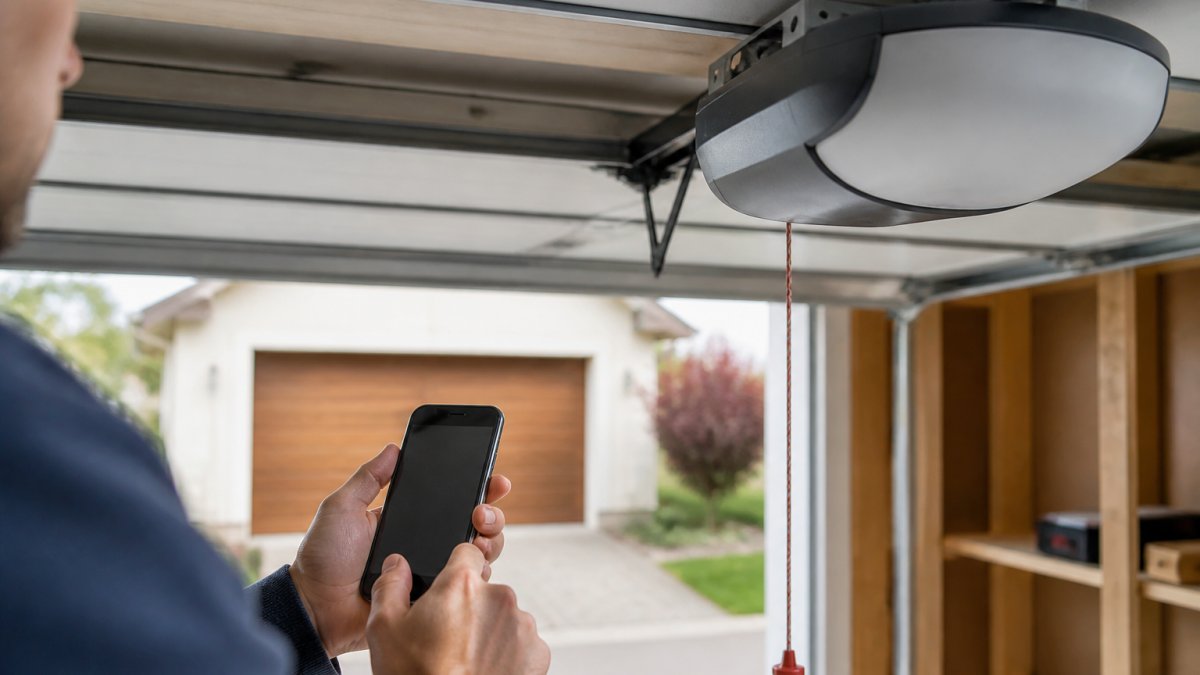
Look up at your garage door opener. You'll see a red cord hanging from the trolley mechanism. This cord disconnects the door from the motor so you can operate it by hand.
Pull the cord straight down firmly. You'll hear a click. The door is now in manual mode.
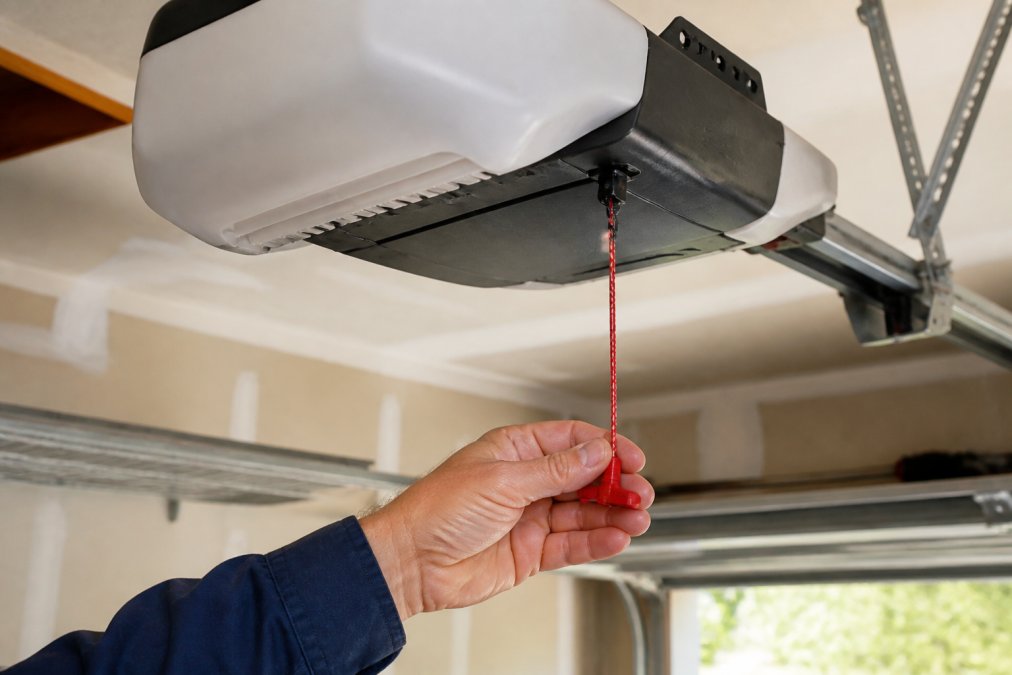
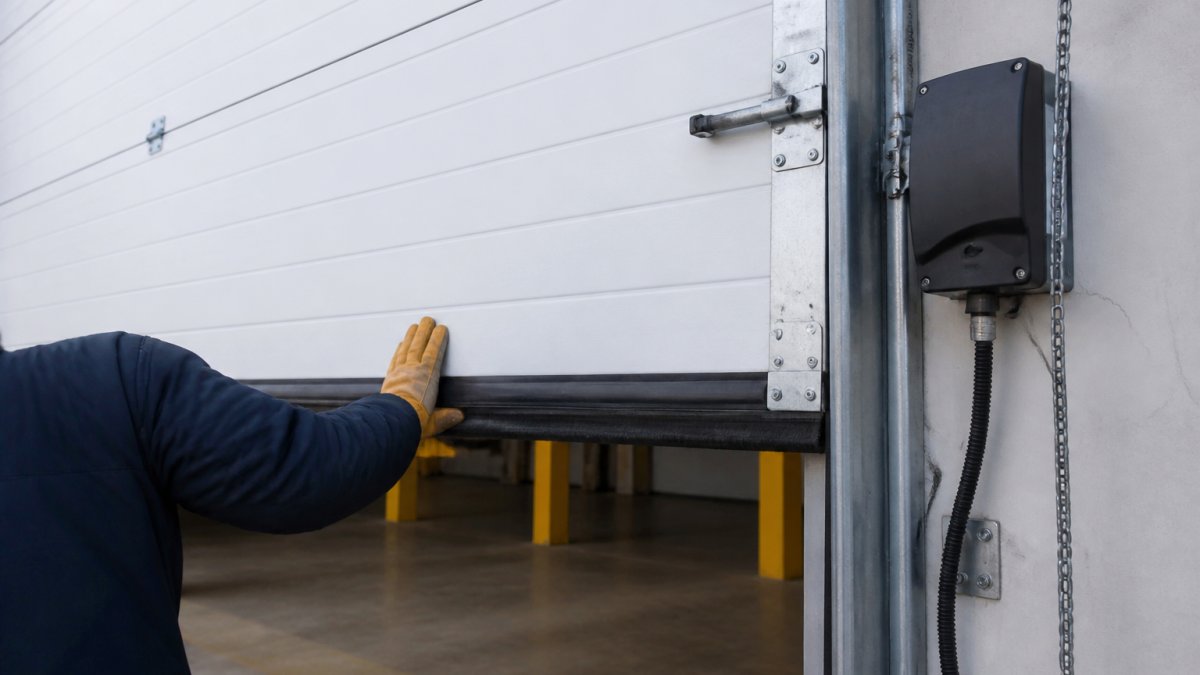
Test the door by pushing it up and down. It should move smoothly without resistance. If it's extremely heavy or won't budge, your door springs may be broken. Stop immediately and contact a professional.
Once you've confirmed the door moves freely, you can leave it in manual mode temporarily while you troubleshoot the opener.
Step 3: Garage Door Opener Manual Release Reset
Make sure the door is fully closed. Locate the red emergency release cord and pull it straight down, holding for 3-5 seconds until you hear a click. This re-engages the trolley with the motor carriage. Test the wall control panel button. If the door opens and closes normally, your garage door opener manual release reset is complete.
If the door still doesn't respond to the button, the opener itself may have lost power settings. Continue to the next section.
Step 4: Re-Engage the Trolley and Reset Your Motor Unit
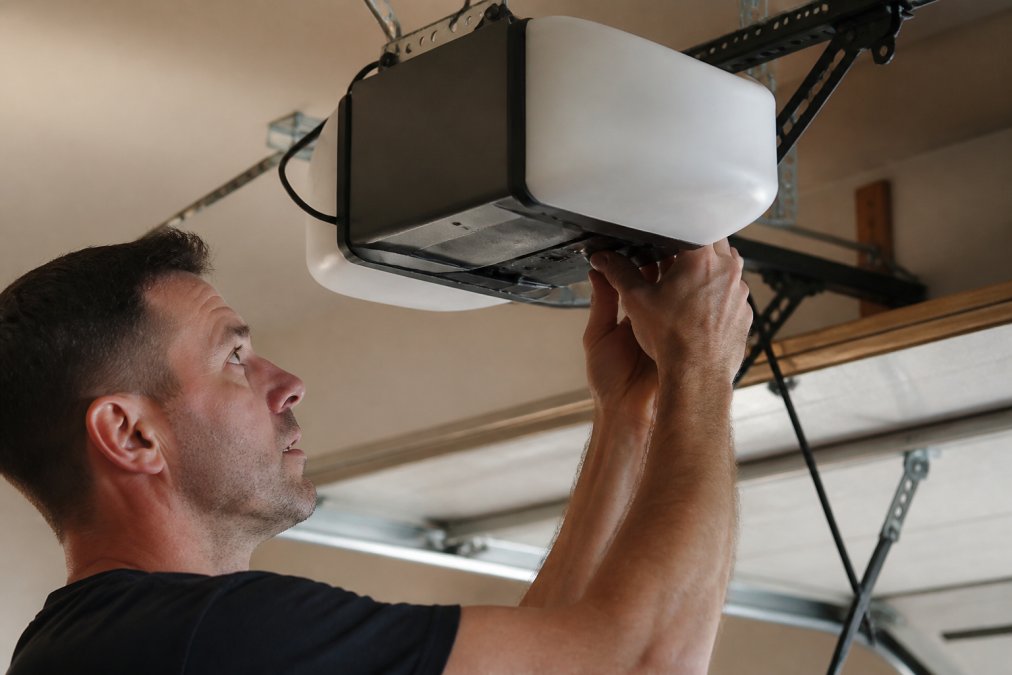
Unplug the opener completely and wait 60 seconds to clear residual power from capacitors. Plug it back in, the LED indicator should turn on. If not, verify the outlet has power. Press the wall control panel button; the door should move. Beeping or LED flashing is normal and indicates recalibration.
Reprogramming Garage Door Remote After Power Outage
After a power outage, remote controls and smart home integrations need to be re-synced with the opener.
Traditional Remote Reprogramming
Find the "Learn" button (usually yellow or orange) on the motor unit and press and hold for 3-6 seconds until the LED blinks. Within 30 seconds, press and hold your remote button for 2-3 seconds. The LED will blink rapidly, then stop, indicating sync. Repeat for each remote. If a remote still doesn't work, replace its batteries.
Smart Home Hub Re-Sync (MyQ, Aladdin Connect, and Similar Systems)
If your garage door opener is Wi-Fi enabled (MyQ, Aladdin Connect, etc.), a power outage will disconnect it from your smart home network and require re-syncing.
Step 1: Check the Opener's Wi-Fi Status
Check the LED indicator on the motor unit. If it's not lit or blinking in a Wi-Fi pattern (slow blue or green pulse), the opener has lost its network connection.
Step 2: Access Your Smart Home App
Open the associated app and navigate to "Add Device" or "Settings" to search for available devices.
Step 3: Re-Add the Opener to Your Network
Most smart openers enter pairing mode automatically after a power cycle, or press the Wi-Fi button for 3-5 seconds. Once the app detects the opener, follow on-screen prompts to reconnect to your home Wi-Fi network.
Step 4: Test Remote Access
Test the app by opening and closing the door from your smartphone. Verify push notifications and automation routines are active.
Step 5: Update Automations and Integrations
Verify that voice assistants (Alexa, Google Home) and smart home hubs still have the opener linked. Some integrations require re-authorization through the app's settings.
Adjusting Garage Door Travel Limit Settings
Travel limits tell the opener when to stop and may reset to factory defaults after a power outage. Locate the UP and DOWN adjustment screws on the motor unit's side. Open the door fully; if it doesn't stop at the top, turn the UP screw a quarter turn clockwise. Close the door; if it doesn't stop at the bottom, turn the DOWN screw a quarter turn clockwise. Make small adjustments until the door stops smoothly.
These adjustments ensure your reset garage door opener is complete and working safely.
Troubleshooting Common Issues After Power Restoration
After a power outage, your garage door opener may display error codes through LED light patterns on the motor unit. Learning to read these patterns is the fastest way to diagnose what went wrong and whether a professional is needed.
Understanding LED Error Code Patterns
Most modern garage door openers communicate problems through blinking LED lights on the motor unit. The pattern, how many blinks, how fast, and any pauses, indicates a specific issue.
Single Blink (Pause) Single Blink Pattern: This usually indicates the opener is functioning normally and has completed its power-up cycle. If you see this pattern and the door still won't operate, move to the manual reset steps in Step 4.
Rapid Blinking (3+ blinks per second): Rapid blinking typically signals a safety sensor misalignment or obstruction.
Common Symptoms and Solutions
Door opens but won't close: The down travel limit is set too short, or the safety sensors are misaligned. First, check the LED pattern. If you see rapid blinking, clean and realign the photo-eye sensors. If the LED is normal, turn the DOWN screw on the motor unit counterclockwise one quarter turn. Test again. Repeat in small increments until the door closes fully.
Frequently Asked Questions
Do I need to reset my garage door opener after a power outage?
In most cases, yes. When power is restored, your garage door opener may not function properly because the motor unit loses its position memory and the remote control can lose synchronization. A manual reset through the emergency release cord and re-engagement of the trolley typically restores normal operation. However, if your opener has a battery backup system, it may retain settings and require minimal intervention. Always verify that power has been fully restored to your circuit breaker before attempting any reset procedure.
Is there a reset button on garage door openers?
Most garage door openers don't have a dedicated reset button. Instead, they use a learn button (usually located on the motor unit) to reprogram remotes and wall controls after a power outage. Some newer models with smart home hub integration have digital reset options accessible through a mobile app or control panel. The primary manual reset method involves using the emergency release cord to disengage the trolley, then re-engaging it once power is restored. Check your opener's manual for the exact location of the learn button and any model-specific reset procedures.
Why is my garage door opener flashing or showing an LED indicator after power comes back?
An LED indicator or flashing light on your garage door opener after a power outage typically signals that the motor unit is in diagnostic mode or has detected a safety sensor misalignment. This is a protective feature. Verify that both photo-eye sensors (safety sensors on each side of the door opening) are clean and properly aligned. If the LED continues flashing after checking the sensors, press the learn button on the motor unit to clear the error. If the light persists, the force settings or travel limits may need adjustment, or a professional inspection may be necessary to rule out electrical damage.
How quickly can I get my garage door working again after a power outage?
Most homeowners can restore basic garage door function in 10-20 minutes by following the reset steps: checking the circuit breaker, using the emergency release cord, re-engaging the trolley, and testing the door. However, if you need to reprogram your remote control or adjust travel limits, add another 5-10 minutes. If safety sensors require realignment or if the motor unit doesn't respond after these steps, professional service is recommended. American Eagle Garage Doors LLC offers same-day and next-day appointments for urgent garage door issues, contact us today for rapid assistance if your opener remains unresponsive.