 how-to
Garage Door Remote Not Working: 7 Steps After Battery Change
Table of Contents
- Why Your Garage Door Remote Stopped Working After Battery Change
- Step 1: Verify Battery Type, Orientation, and Voltage
- Step 2: Clean Battery Contacts and Terminals
- Step 3: How to Reprogram Garage Door Remote to the Opener
- Step 4: Diagnose Garage Door Remote Signal Interference
- Step 5: Test the Wall Console and Learn Button
- Step 6: Check Opener Compatibility and How to Add WiFi to Existing Garage Door Opener
- When to Call a Professional
- Frequently Asked Questions
Last Updated: September 22, 2026
Why Your Garage Door Remote Stopped Working After Battery Change
A dead battery is the most common reason a garage door remote stops responding, but changing it doesn't always fix the problem.
This guide covers troubleshooting steps that can help resolve the issue. Most take just minutes, and many homeowners fix the problem without professional help.
The garage door remote not working after battery change can stem from dirty contacts, failed reprogramming, signal interference, or wall console issues. We'll address each systematically.
Step 1: Verify Battery Type, Orientation, and Voltage
Confirm you installed the correct battery type, CR2032, A23, or A27 depending on your model. Check your remote's battery compartment or owner's manual for the exact type required.
Orientation matters: the positive (+) side should face up. Most remotes have a diagram showing the correct direction.
A fresh battery reads 3 volts for CR2032 or 12 volts for A23 and A27 batteries. If you have a multimeter, test the new battery before installing it.
Buy fresh batteries from a pharmacy or electronics retailer where turnover is faster; dollar store batteries are often old stock.
Step 2: Clean Battery Contacts and Terminals
Corrosion on battery contacts prevents electrical connection. Moisture and oxidation build up over time, blocking power from reaching the circuit board.
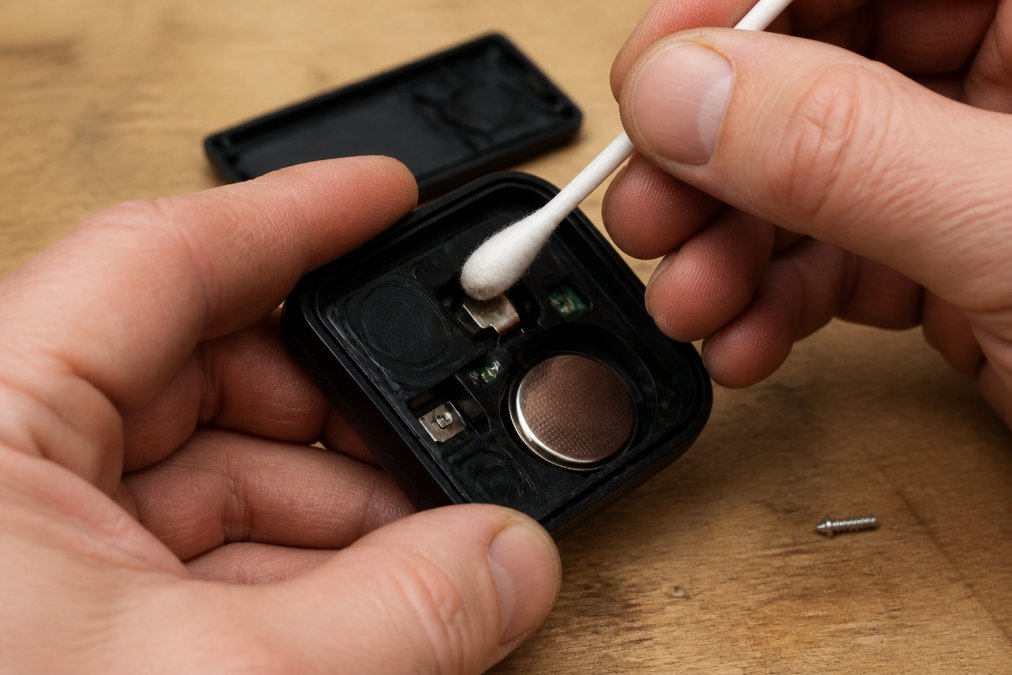
Open the remote and inspect the metal contacts. Dark, dull, or white/green coating indicates corrosion.
Clean contacts with a cotton swab dampened with rubbing alcohol, then dry completely with a dry swab.
Also wipe the battery terminals clean if corroded.
Reinstall the battery and test. If the opener responds, the cleaning worked.
Step 3: How to Reprogram Garage Door Remote to the Opener
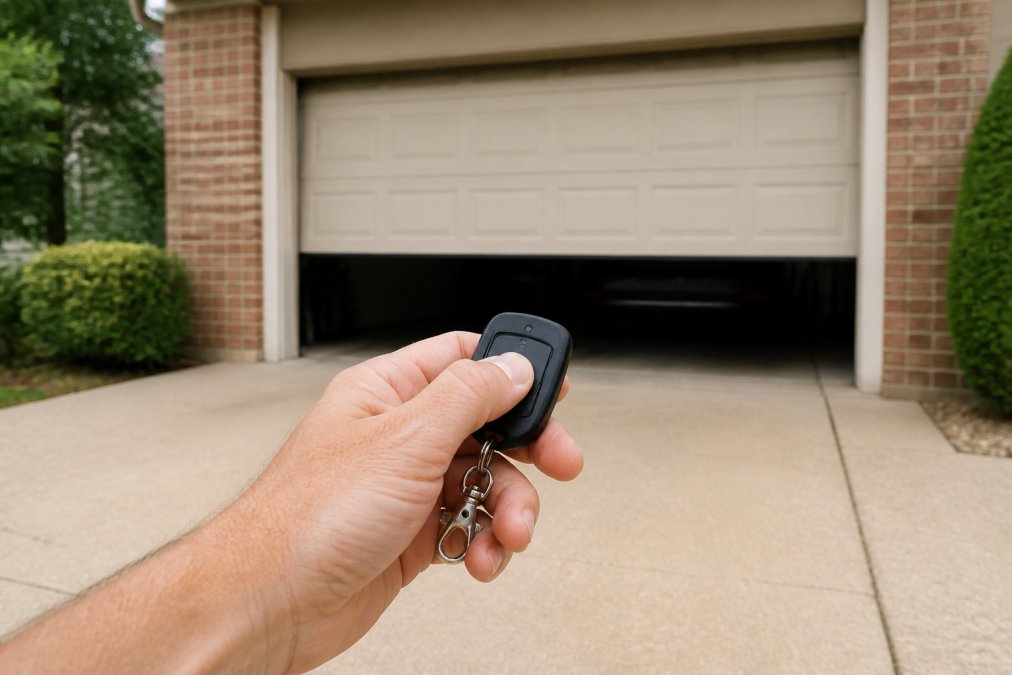
Most remotes need reprogramming after a battery change if the pairing signal was interrupted.
Locate the Learn button on your garage door opener motor unit (usually on the back or side, sometimes under a cover).
Press and hold the Learn button for 3 seconds until the LED flashes. Immediately press your remote button firmly for 2 seconds. The LED should flash again, confirming pairing.
Test the remote. If the door opens or closes, reprogramming succeeded.
If the LED doesn't flash, try a hard reset: unplug the opener for 30 seconds, plug it back in, and repeat the Learn button process.
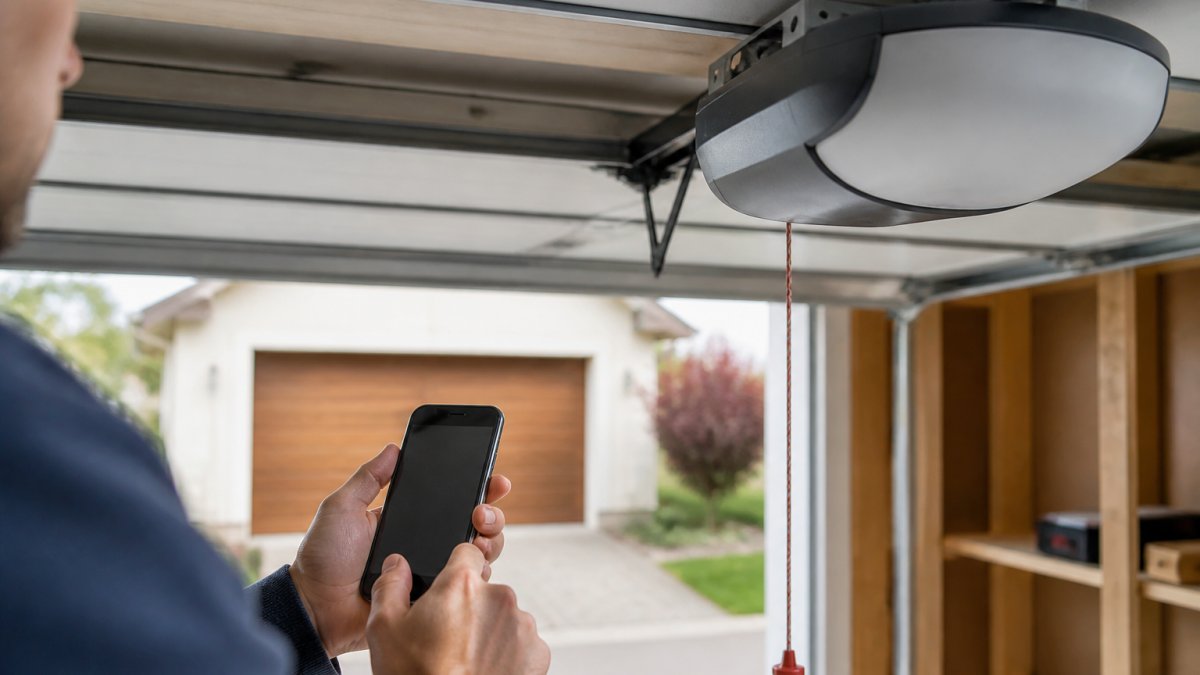
Some newer openers use a smartphone app instead of physical remotes. If yours does, check the app settings to ensure the remote is still paired. You may need to re-add the remote through the app interface.
Step 4: Diagnose Garage Door Remote Signal Interference
Signal interference blocks radio frequency transmission. Your remote operates on 315 MHz or 390 MHz; other devices broadcasting on the same frequency create noise that drowns out the signal.
LED bulb interference is a common cause of remote failure. Poorly shielded LED drivers emit RF noise that blocks garage door remote signals. If the remote stopped working after a battery change, check whether LED bulbs were recently installed in your garage or near the opener.
Other common sources: WiFi routers (2.4 GHz), microwaves, cell phone towers, cordless phones, baby monitors, electrical lines, and dimmer switches.
Test for interference by standing directly under the opener and pressing the remote. If it works close but not far away, interference is likely blocking the signal.
Test the remote in different locations. If it works in some spots but not others, note the pattern, it often points to the interference source.
If you suspect LED interference, turn off all LED lights and test the remote. If it works, replace the bulbs with RFI-shielded or garage-rated LEDs, or switch to incandescent bulbs.
For WiFi interference, move your router at least 20 feet from the opener or to another room. Test the remote after relocating.
For microwave interference, test the remote with the microwave off, then on. If it fails only when running, that's your source (usually temporary).
If interference persists, consider upgrading to a modern opener with rolling-code technology on less-crowded frequencies. American Eagle Garage Doors LLC can assess your environment and recommend whether an upgrade makes sense.
Step 5: Test the Wall Console and Learn Button
The wall console is a critical diagnostic tool. If it works but the remote doesn't, the problem is isolated to the remote. If neither works, the issue is likely the opener or power failure.
Press the wall console button. If the door doesn't respond, check for power issues, tripped safety sensors, or internal malfunction.
Reading the LED indicator codes on the motor unit:
The LED light on your garage door opener motor unit communicates the system's status through specific blinking patterns. Learning to read these codes will tell you whether the opener is receiving the remote signal or rejecting it.
- Solid green light: The system is powered and ready. The opener is waiting for a command.
- Solid red light: A safety sensor is blocked or misaligned. The door won't open or close until the sensor is cleared. Check the sensor lenses on both sides of the garage door for dirt, cobwebs, or obstructions.
- Blinking green light (slow, once per second): The opener is in learning mode. This appears when you press the Learn button. The system is waiting for a remote signal to pair.
- Blinking red light: A safety sensor is malfunctioning or the circuit board detected an error. This usually requires professional service.
- No light at all: The opener has no power. Check that it's plugged in and the outlet has power. Test the outlet with another device like a lamp to confirm it's working. A tripped circuit breaker is an easy fix that many homeowners overlook.
- Blinking amber or orange light: Some newer openers use amber to indicate the door is in motion or a command was received but not completed.
If the wall console works but the remote doesn't, the Learn button process didn't complete successfully. Go back to Step 3 and repeat the reprogramming steps more carefully. Some openers require you to hold the Learn button for a full 3 seconds until the LED changes color, then immediately press the remote button for 2 seconds.
Step 6: Check Opener Compatibility and How to Add WiFi to Existing Garage Door Opener
Older garage door openers sometimes lose compatibility with newer remote models. If your opener is older, a replacement remote might not pair with it properly.
When to Call a Professional
If you've worked through all six steps and the garage door remote not working persists, it's time for professional help. Some problems require specialized tools and expertise to diagnose and fix safely.
Call a professional if:
- The wall console doesn't work either
- The LED indicator light on the opener doesn't respond to the Learn button
- The garage door opener makes unusual noises
- The door moves slowly or gets stuck
- You see visible damage to the motor unit or wiring
Frequently Asked Questions
Do I have to reprogram my garage door remote after changing the battery?
Not always. If the remote worked before the battery died completely, reprogramming may not be necessary. However, if the remote doesn't respond after you install a fresh battery, reprogramming is often the fix. The remote's memory can reset if voltage drops too low, erasing the pairing code to the opener. Try the remote first; if it doesn't work, follow the reprogramming steps using your opener's learn button.
Why does my garage door opener not work even with new batteries?
Several issues can prevent a new battery from restoring function: corroded battery contacts block power flow, the wrong battery type (CR2032 vs A23) won't fit or deliver correct voltage, signal interference from LED bulbs or WiFi devices blocks communication, or the remote lost its pairing code and needs reprogramming. Start by checking battery contacts for corrosion, verify you installed the correct battery type, and test in a different location to rule out interference.
Can a garage door remote lose its code when the battery dies completely?
Yes. When a battery dies, the remote's internal circuit loses power, and the stored pairing code can be erased from the transmitter's memory. This is why many remotes stop working after a battery dies, even after you install a replacement. The opener still has the code, but the remote doesn't, so they can't communicate. Reprogramming reestablishes the connection by having the remote re-learn the opener's frequency.
How do I know if my garage door remote is broken or just needs reprogramming?
Test the remote in different locations, if it works near the opener but not from across the garage, signal interference is likely the issue. Check for LED bulbs or WiFi routers near the opener that might block radio frequency signals. If the remote doesn't work anywhere, clean the battery contacts, verify the correct battery type is installed, and reprogram using the learn button. If it still doesn't respond after reprogramming and the wall console works, the remote's circuit board may be damaged and require replacement.